As most of you know, TinEye is our reverse image search engine. Go ahead try it, it does not bite and does quite a bit of searching too. We released our TinEye Firefox add-on a few months ago and today it has close to 13,000 downloads!


As most of you know, TinEye is our reverse image search engine. Go ahead try it, it does not bite and does quite a bit of searching too. We released our TinEye Firefox add-on a few months ago and today it has close to 13,000 downloads!
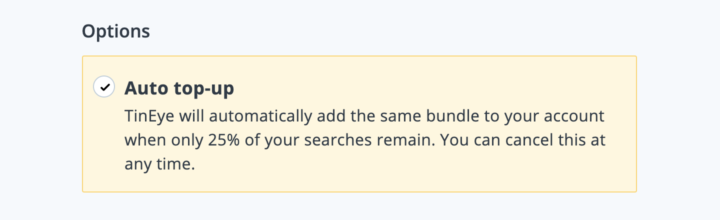
You can now choose to auto top-up your account when you are running low on searches! The TinEye API is licensed via pre-paid search bundles. Our clients can purchase a search bundle of any size for their integration. This flexible pricing allows our clients to buy searches as and when they need them. The drawback to this flexibility is the need to manually buy more searches when their account is...

One of the easiest and most popular ways to use TinEye to search the web is with our official browser extensions. Just right-click on an image in your browser, click “Search Image on TinEye”, and see your results. Now, Microsoft Edge users can join Firefox, Chrome and Opera users with the new TinEye extension for Edge!
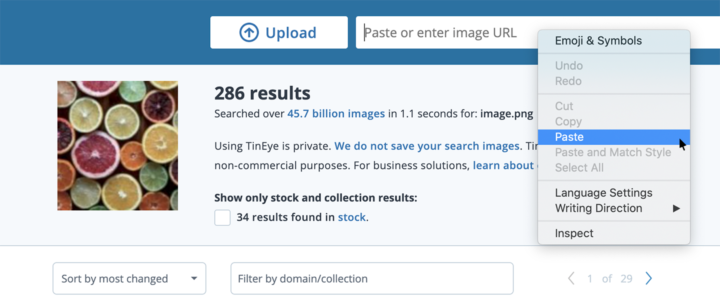
At TinEye, image searching is our passion, and one of our goals is to make it quick and easy for you to search the web for your images. To help with this, we have multiple ways to search an image on TinEye.com: you can give the address for an image on the web, upload an image file or even drag and drop an image file onto the TinEye homepage. We also offer browser extensions for Firefox, Chrome...
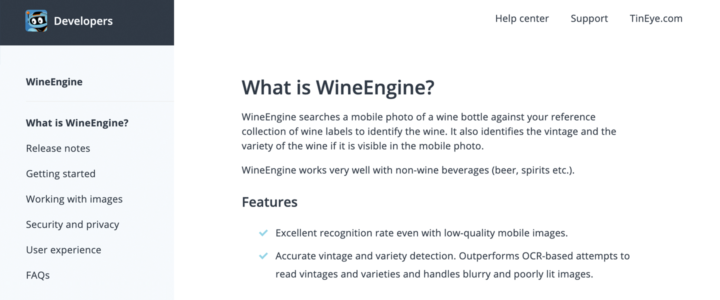
In addition to our reverse image search engine TinEye (which is free to use by the way!), we also license our image-recognition solutions in the form APIs that you can integrate into your products and services. When you use one of our APIs, we want you to get up and running as quickly and easily as possible. To help with that, we’ve launched all new API documentation. The updated...