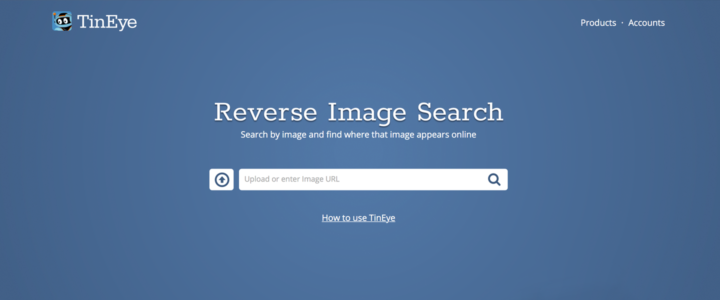
It seems rather likely that if you are searching for an image, that you would want to find the largest version of that image, right?
TinEye has a set of features that allow you to find the largest image in your TinEye results. This can be helpful in finding out additional information about the image you are looking for. For example, let’s say you are trying to find the owner of an image but you have a massive list of results to scan through. By using the “Biggest Image” feature, the highest resolution image jumps right to the top. In most cases the owner of the image has the largest version of that image. Tons of TinEye users have found image owners this way. Yay!
Take a look at how to easily use our “Biggest Image” feature.
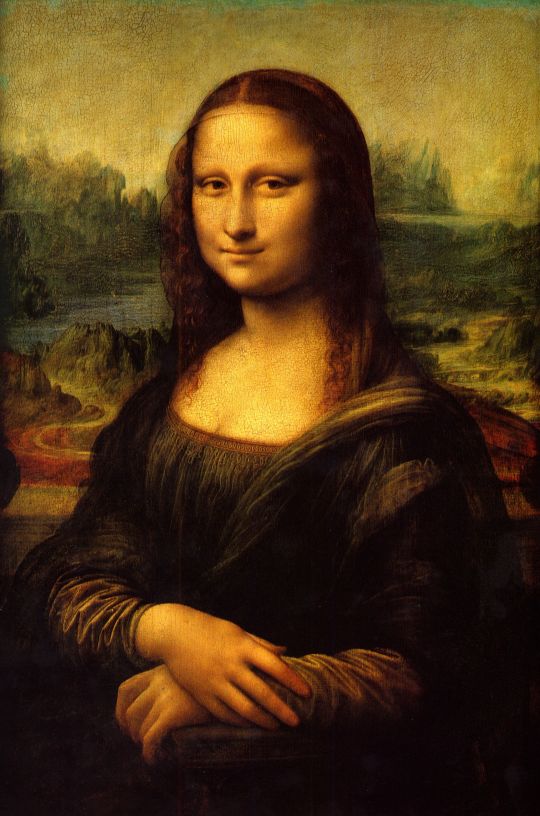
First, pick a photo to search. Hi Mona!
Next, go to TinEye.

Now, either upload your Mona Lisa image to TinEye or use your image URL to start your TinEye search. Check out your results!
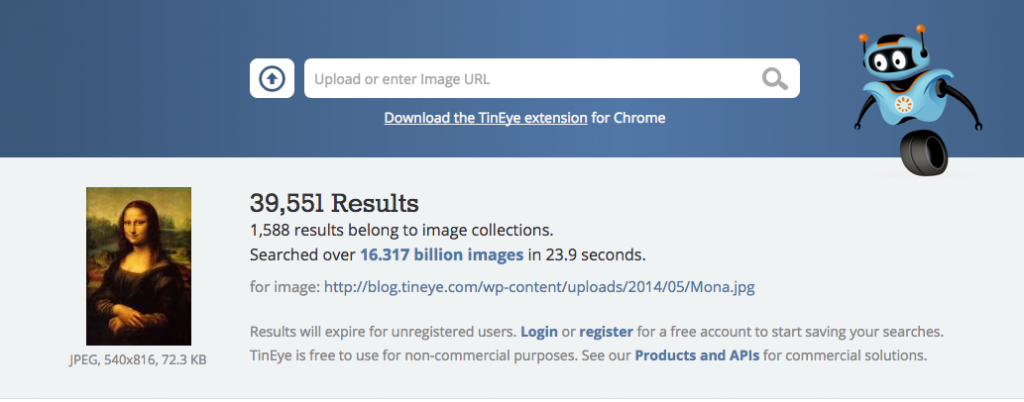
Click on “Biggest Image” to sort the TinEye search results by image size.
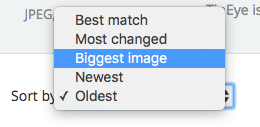
Check out this generated list and how the biggest image jumps to the top of the list like magic.
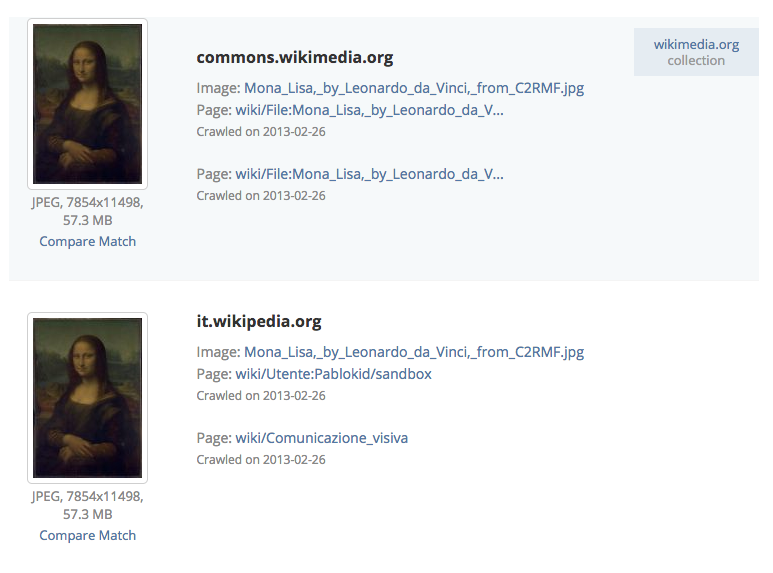
In this case, the biggest image size is 7854×11498 and 57.3 MB.
Now you’re set with your searched image in all it’s high-res glory. Happy searching!