
How to find high resolution images with TinEye

Finding high resolution images online can sometimes be challenging, especially when the same image appears in dozens of different sizes and quality levels. Whether you’re verifying the ownership of an image, sourcing visuals for your presentation or conducting research, locating the highest resolution of an image is often the fastest way to identify the original source. In this guide, you will...

How to use TinEye to search for an image

TinEye Reverse Image Search

Reverse image search engines let you search using an image instead of text. TinEye is the original reverse image search engine, using image recognition to match against a growing index of billions of images. You can use TinEye to trace an image’s origin, verify its authenticity, see how it’s being used, find modified versions, or locate a higher-resolution copy.

Using the TinEye API without writing any code

You can use the TinEye API to perform high-volume reverse image searches manually in your browser, or automatically by integrating with your own application. This blog post will show you how you can quickly and easily get started manually searching using the TinEye API, without writing any code.


Introducing auto top-up for the TinEye API

TinEye API auto-top-up feature

You can now choose to auto top-up your account when you are running low on searches! The TinEye API is licensed via pre-paid search bundles. Our clients can purchase a search bundle of any size for their integration. This flexible pricing allows our clients to buy searches as and when they need them. The drawback to this flexibility is the need to manually buy more searches when their account is...

Announcing the TinEye extension for Edge

Microsoft Edge logo

One of the easiest and most popular ways to use TinEye to search the web is with our official browser extensions. Just right-click on an image in your browser, click “Search Image on TinEye”, and see your results. Now, Microsoft Edge users can join Firefox, Chrome and Opera users with the new TinEye extension for Edge!

Search TinEye with copy and paste

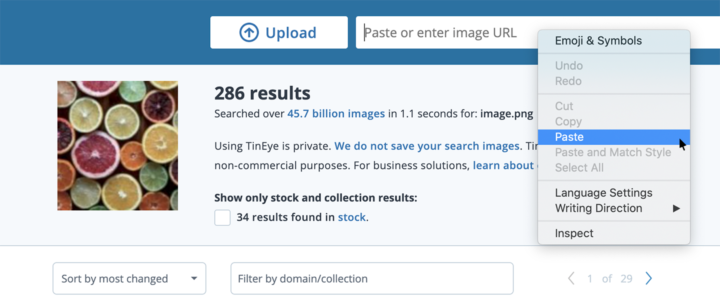
Search for an image by pasting it on the TinEye search page

At TinEye, image searching is our passion, and one of our goals is to make it quick and easy for you to search the web for your images. To help with this, we have multiple ways to search an image on TinEye.com: you can give the address for an image on the web, upload an image file or even drag and drop an image file onto the TinEye homepage. We also offer browser extensions for Firefox, Chrome...

Launching our interactive image recognition API documentation

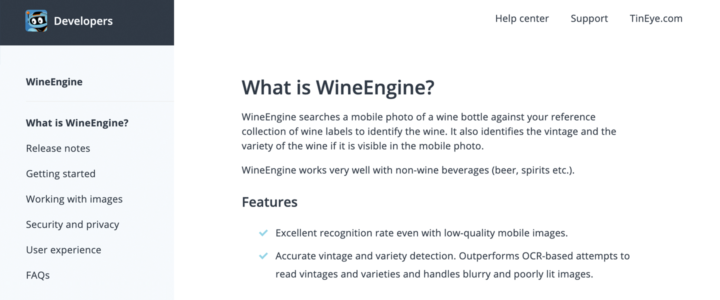
WineEngine API documentation

In addition to our reverse image search engine TinEye (which is free to use by the way!), we also license our image-recognition solutions in the form APIs that you can integrate into your products and services. When you use one of our APIs, we want you to get up and running as quickly and easily as possible. To help with that, we’ve launched all new API documentation. The updated...

The Future of the TinEye Safari Extension

TinEye Browser Extensions

In the latest version of Safari Apple has discontinued support for extensions in favor of a new extension format. If you currently use the Safari extension you will see the following message when you first open your browser after updating to Safari version 13: Apple’s new format no longer allows standalone extensions. Instead, you must first download an App and the App can install the...